Public Wi-Fi is a gamble. Airport lounges, hotel lobbies, and café networks are full of people who would love a look at your login credentials or client files. Bloggers and freelancers carry more sensitive data than most people realize—WordPress dashboards, client contracts, research notes, and banking apps. One unprotected session can turn into a headache. I have used VPNs for over a decade while working from different countries, and this NordVPN review comes from that real-world testing.
I remember trying to log into my client’s WordPress dashboard from a sketchy airport lounge in Bangkok and realizing my data was exposed on an open network. That moment pushed me to treat a reliable VPN as non-negotiable gear, right next to my laptop charger.
The Quick Verdict
Is NordVPN worth it for most bloggers and freelancers? Yes. It delivers strong encryption, consistently good speeds, a verified no-logs policy, and solid streaming performance. The introductory pricing looks attractive, though renewals climb. For people who work on public networks and need dependable secure browsing, it remains one of the stronger mainstream options.
Pros and Cons
| The Good | The Bad |
|---|---|
| Independently audited no-logs policy | Renewal prices jump significantly |
| Fast NordLynx protocol | No free plan |
| Works well for streaming and uploads | Higher tiers add tools some users may not need |
| Up to 10 simultaneous devices | Occasional server congestion in popular locations |
| Clean apps across Windows, Mac, and mobile | |
| Double VPN and obfuscated servers available |
Security and Privacy Features
NordVPN uses strong encryption. The default NordLynx protocol is built on WireGuard and pairs modern cryptography with solid performance. AES-256 is available through OpenVPN when you need it. A Kill Switch cuts internet access if the VPN connection drops, which matters when you step away from your laptop in a café.
The no-logs policy has been audited multiple times by independent firms, including recent Deloitte assessments. NordVPN is based in Panama, outside the major intelligence-sharing alliances. That combination gives me more confidence than providers that only make verbal promises.
Double VPN routes your traffic through two servers for an extra layer of protection. It slows things down a bit, so I only turn it on when the risk feels higher. Threat Protection blocks known malicious sites and trackers while connected. For most blogging work it is useful rather than essential.
Speed and Performance
Speed matters when you upload large photo sets or video clips for a blog. In my experience NordVPN stays usable for those tasks on good connections. The NordLynx protocol keeps overhead low compared with older protocols. You will still see some loss versus a bare connection, but it is rarely enough to make work painful.
Server choice affects results. Nearby servers usually feel snappier. Distant ones add latency. For day-to-day research and publishing I stick with automatic or nearby options and only switch countries when I need a specific library or region.
Ease of Use
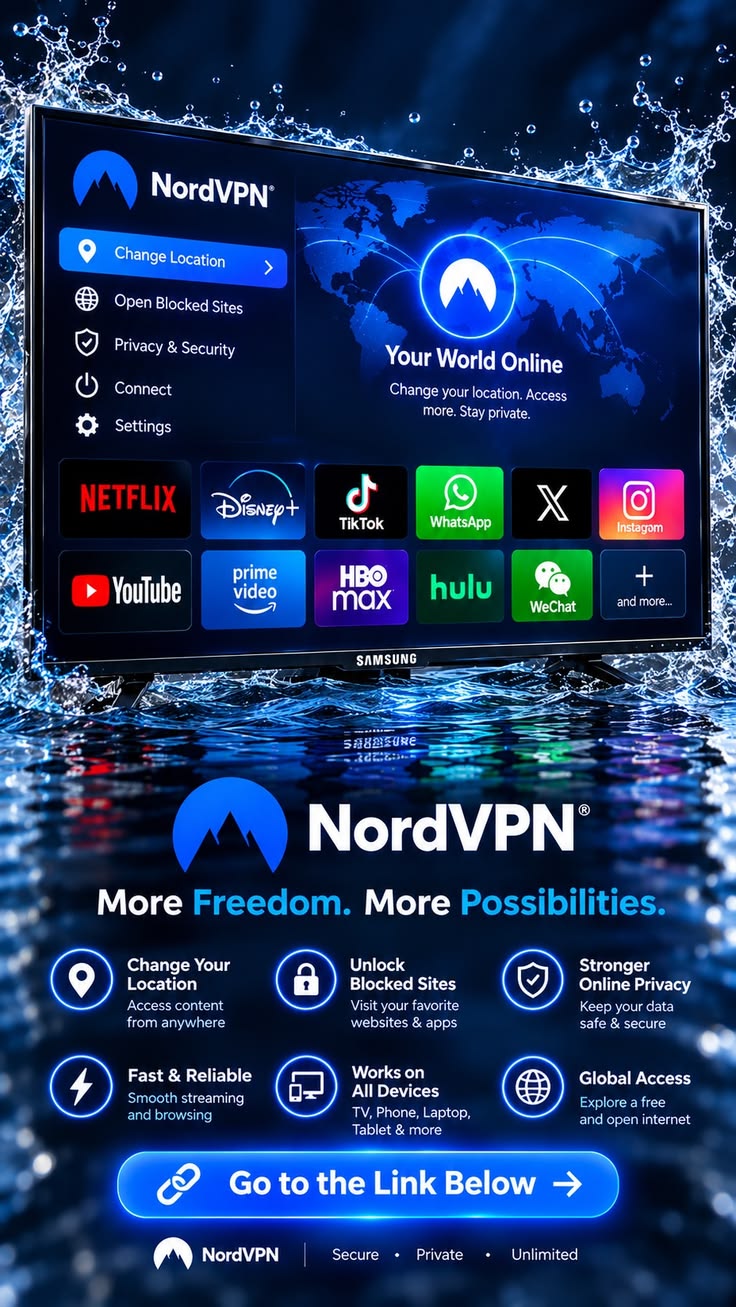
The apps are straightforward. Windows, macOS, Android, and iOS versions look clean and connect with one click. You can enable the Kill Switch, choose protocols, and pick specialty servers without digging through menus. Split tunneling lets certain apps bypass the VPN if you need local access.
Setup takes minutes. Even less technical users can get connected quickly. I have set it up for clients who travel and rarely needed to walk them through more than the basic connect button.
Unblocking Capabilities
NordVPN handles major streaming platforms reasonably well. Netflix libraries, BBC iPlayer, and several other services usually work when you connect to the right country servers. Performance can vary by day and by library, as streaming services actively detect VPN traffic. SmartPlay helps in many cases, but no VPN is perfect forever.
For bloggers who research content or watch region-specific material, this capability is handy. It is not the only reason to buy the service, but it is a practical bonus.
NordVPN Pricing
NordVPN pricing is structured around length of commitment. The Basic plan focuses on the VPN itself. Higher tiers (Complete and similar) add antivirus tools, a password manager, encrypted storage, and extra monitoring features.
Longer plans drop the monthly equivalent significantly during the introductory term. After that period the renewal price rises. Always check the current checkout page and the renewal terms before paying. A 30-day money-back guarantee lets you test the service with relatively low risk.
For pure VPN use the Basic tier is usually enough. The bundled extras on higher plans make sense only if you actually want those additional tools.
Is the NordVPN Review Worth It for Bloggers?
This is the core question for freelancers and content creators. A VPN for freelancers has to protect client data, keep research private, and stay fast enough for daily publishing. NordVPN clears those bars for most people I know who work on the road.
It encrypts traffic on untrusted networks so login sessions and file transfers stay harder to intercept. The no-logs stance and audits reduce the chance that the provider itself becomes a liability. Ten-device support covers a laptop, phone, tablet, and a couple of extra gadgets without juggling accounts.
Is it overkill for someone who only works from a locked-down home office? Possibly. For anyone who regularly uses cafés, airports, co-working spaces, or hotel Wi-Fi, the protection is practical rather than theoretical. I treat it as part of the cost of doing business while traveling.
The main caveat is the renewal jump. Factor that into your long-term budget. If the introductory price is the only number that looks good, set a reminder to reassess before the first renewal.
Common Mistakes to Avoid
Do not use free VPNs for work. Many of them monetize by collecting or selling data. That defeats the entire purpose.
Always turn on the Kill Switch. A dropped connection without it can expose traffic for a few seconds or longer.
Pick servers thoughtfully. Connecting to a distant or overloaded server for everyday tasks just adds unnecessary lag. Use specialty servers only when you need them.
Ignore the fine print on renewals at your own risk. The first-year or multi-year discount is real, but the later price is also real.
FAQ
Can I use NordVPN on multiple devices?
Yes. One account supports up to 10 simultaneous connections across phones, computers, and other supported devices.
Does NordVPN work in China?
Obfuscated servers and certain protocols can help in restrictive networks. Results vary and are never guaranteed in high-censorship environments.
Is it legal to use a VPN?
In most countries yes. Some places restrict or ban VPN use. Check local rules before you travel or connect.
Does NordVPN slow down my internet a lot?
There is always some overhead. With NordLynx on a decent connection the impact is usually modest enough for blogging, research, and most streaming.
Final Thoughts
After years of testing VPNs while working from different cities and networks, I still keep NordVPN in rotation. It balances security, speed, and everyday usability better than most options I have tried. For bloggers and freelancers who need reliable secure browsing on the road, it is a practical tool rather than marketing noise.
Test it yourself with the money-back window. Connect from the kind of networks you actually use. Upload a few files, open client sites, and see how it feels. If the performance and peace of mind match what you need, the decision becomes straightforward.