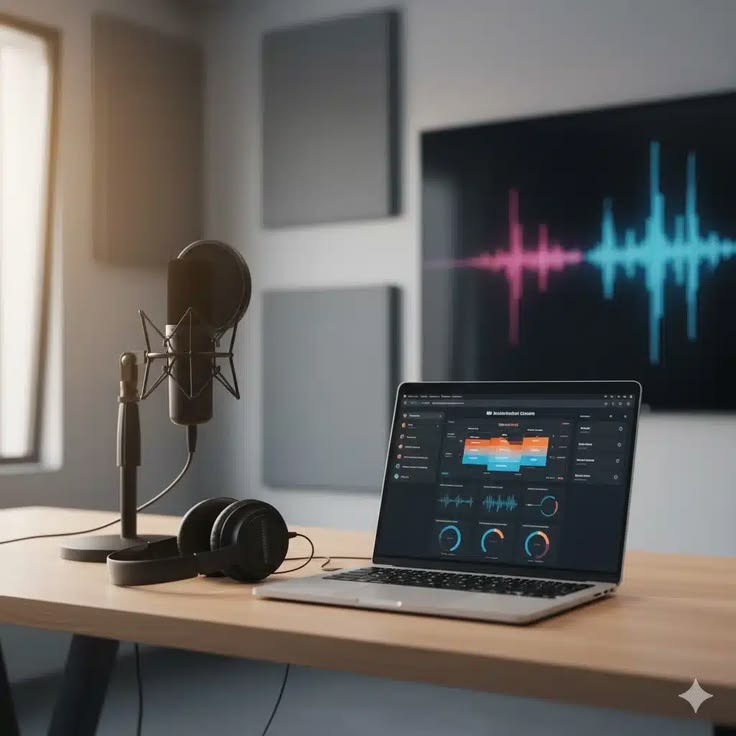
Listeners will abandon your show in the first 30 seconds if the audio sounds like it was recorded in a bathroom. Echo, hiss, uneven levels, or that distant “talking into a can” quality kills retention faster than a boring topic. I’ve seen it happen to otherwise solid creators. The microphone gets all the attention, but the software sitting between your mic and the final file matters just as much. Choosing the best audio recording software for podcasters is the difference between clean, professional episodes and something that sounds like a Zoom call from 2020.
I’ve edited thousands of hours for independent creators and a few bigger brands. I have zero patience for bloated interfaces and features that look impressive in a demo but slow you down in real work. What follows is the practical shortlist I actually send people when they ask me what to use.
The Quick Verdict
If you want the answer fast:
- Absolute beginners on a budget: Audacity (still the free workhorse)
- Remote interviews that sound good: Riverside.fm or Zencastr
- Fast editing with transcripts: Descript
- Serious multitrack control without the Adobe tax: Reaper
- Traditional broadcast-style workflow: Hindenburg or Adobe Audition
Most people overbuy. Start simple. Upgrade only when the tool is clearly holding you back.
Comparison Table
| Software | Best For | Free Tier | OS Supported | Learning Curve |
|---|---|---|---|---|
| Audacity | Beginners, basic editing | Yes (full) | Windows, Mac, Linux | Very Low |
| Reaper | Serious editing on a budget | 60-day trial | Windows, Mac, Linux | Medium |
| Descript | Transcript-based editing | Limited | Windows, Mac | Low-Medium |
| Riverside.fm | Remote recording quality | Limited | Browser + apps | Low |
| Zencastr | Remote interviews + post | Limited | Browser | Low |
| Hindenburg | Narrative/podcast-focused | Trial | Windows, Mac | Low-Medium |
| Adobe Audition | Professional multitrack work | No (subscription) | Windows, Mac | Medium-High |
The Top Picks
Audacity
Audacity remains the default free podcast software for a reason. It is open-source, runs on almost anything, and does the core jobs: record, cut, normalize, reduce noise, and export clean files. I still use it for quick fixes and teaching absolute beginners.
Key features for podcasters include solid multitrack support, a usable noise reduction tool, and the ability to apply effects across selections or entire tracks. Export options cover the usual suspects (WAV, MP3, FLAC). The interface looks dated, but it gets out of your way once you learn the keyboard shortcuts.
Pricing is free. Completely free. No upsells hidden behind a paywall for basic features.
The Verdict: Best free podcast software and still one of the strongest Audacity alternatives if you later decide you want something with a better workflow. Perfect if you are testing whether podcasting is even for you.
Reaper
Reaper is the best DAW for beginners who are willing to put in a little time. It is absurdly powerful for the price and does not force a subscription. I have used it for full multitrack podcasts with music beds, sound design, and multiple hosts.
It handles multitrack recording cleanly, has excellent routing, and the community has built free packs of podcast-friendly effects and actions. Noise reduction is available through stock plugins or free third-party tools. Export is flexible and batch-friendly.
Pricing is a 60-day fully functional trial, then a cheap discounted license for individuals (far less than most “pro” tools). You can keep using it after the trial with occasional nag screens, which is honest.
The Verdict: If you want serious control without Adobe’s monthly bill, start here. It is one of the best audio recording software for podcasters who plan to grow beyond basic cuts.
Descript
Descript changed how a lot of people edit. You edit the transcript and the audio follows. For interview-heavy shows this is a massive time saver. I use it when the episode is mostly talking and I need to clean up “ums,” repeated phrases, and long pauses quickly.
It includes solid studio sound features for noise removal and leveling. Multitrack is present but not as deep as a traditional DAW. Remote recording is available through their own system. Export is straightforward.
There is a limited free plan. Paid plans are subscription-based and get expensive if you only need basic editing.
The Verdict: Excellent if transcription-based editing fits your workflow. Less ideal if you do heavy sound design or complex multitrack work.
Riverside.fm
Riverside solved a real problem: remote guests who sound like they are calling from a phone. Local recording on each end produces separate high-quality tracks that you pull into your editor later. That single feature has saved more episodes than I can count.
Built-in tools cover basic noise handling and leveling. The editor is improving but still secondary to the recording strength. Multitrack export is clean.
Free tier exists with limits. Paid plans unlock higher quality and more features.
The Verdict: One of the strongest podcast recording software options when your show relies on remote guests. Record in Riverside, finish in Audacity or Reaper.
Zencastr
Zencastr sits in a similar lane to Riverside with a slightly different feature mix. Separate high-quality tracks from each participant, solid post-production tools inside the browser, and decent noise handling. Some creators prefer its interface and pricing structure.
It works well for straightforward interview shows. Export options are practical.
Free plan available with restrictions. Paid tiers scale with usage.
The Verdict: Strong Audacity alternative for remote-first shows. Easy entry point if you want to avoid installing heavy software.
Hindenburg
Hindenburg was built specifically for spoken-word audio. The interface feels like it was designed by people who actually edit podcasts and radio instead of music producers. Automatic leveling, easy clip handling, and solid multitrack support make it efficient.
Noise reduction and export tools are competent. It stays focused on the jobs podcasters actually do.
Trial available. Paid licenses are one-time or subscription depending on the version.
The Verdict: Excellent middle ground if you want something more polished than Audacity but do not need a full music DAW.
Adobe Audition
Audition is capable. Very capable. Spectral editing, advanced noise reduction, multitrack sessions, and deep effects make it a professional tool. I reach for it on complex projects that need surgical cleanup.
It is also heavier, more expensive, and slower to navigate for simple podcast work. The subscription model adds up.
No meaningful free tier. Adobe Creative Cloud subscription required.
The Verdict: Overkill for most independent podcasters. Useful if you already live inside Adobe’s ecosystem or need the advanced repair tools regularly.
How to Choose the Best Audio Recording Software for Podcasters
Three factors actually matter for most people.
Multitrack support. Even solo shows benefit from separate tracks for intro music, ads, and the main voice. Remote shows require it. Any serious podcast recording software should handle multiple tracks without fighting you.
Built-in noise reduction. Not every recording space is perfect. Decent noise reduction and leveling tools save hours of manual work. Test how aggressive the tools are—some remove noise and suck the life out of the voice at the same time.
Remote recording capabilities. If you interview people who are not in the same room, local recording on each end is non-negotiable. Browser-based tools that capture separate high-quality tracks solve problems that no amount of post-production can fully fix.
I remember ruining my first 10 episodes because I did not understand how noise gates worked. I set the threshold too high and chopped the ends off every word. The episodes sounded robotic. Switching to a tool with better visual feedback and gentler processing fixed it faster than any gear upgrade. Software choices compound. Bad ones waste time. Good ones disappear into the background.
Common Mistakes to Avoid
Recording hot and clipping the peaks is still common. Once the waveform is squared off, that distortion is permanent. Leave headroom.
Skipping a backup recording is another classic. Hard drives fail. Cloud services glitch. Record a second track or at least a simple phone backup when the interview matters.
Over-processing is almost as bad as under-processing. Stacking noise reduction, EQ, compression, and limiting until the voice sounds small and artificial is an easy trap. Less is usually more. Process in stages and A/B against the original often.
Exporting only the compressed final file without keeping the high-quality multitrack session is short-sighted. You will want to go back later.
FAQ
What is the best free podcast software right now?
Audacity is still the most complete free option for recording and editing. Pair it with a remote tool like Riverside’s free tier if you need better guest audio.
Is Audacity still good in 2026?
Yes. The interface is old, but the core tools work. Many people use it as their primary editor or as a reliable backup.
Do I need a full DAW for podcasting?
Not at the start. Many successful shows never leave simpler tools. Move to a DAW like Reaper when you need deeper multitrack control or custom routing.
Should I record and edit in the same software?
Convenient when it works, but not required. Plenty of people record in Riverside or Zencastr and finish the edit in Audacity, Reaper, or Descript. Use the best tool for each stage.
Final Thoughts
The best audio recording software for podcasters is the one that gets out of your way and lets you ship episodes consistently. Fancy features mean nothing if the tool slows you down or confuses you every time you open it. Start with the simplest option that covers your actual needs—usually free podcast software like Audacity or a focused remote recorder. Move up only when you feel the limits in real sessions.
Good audio is mostly about decisions, not gear. Choose tools that support clean decisions, keep your process light, and spend the saved time making the content better. Your listeners will notice the difference long before they notice which logo was on the software.